Best Budget Spreadsheets: Five Types and Who Each One Suits
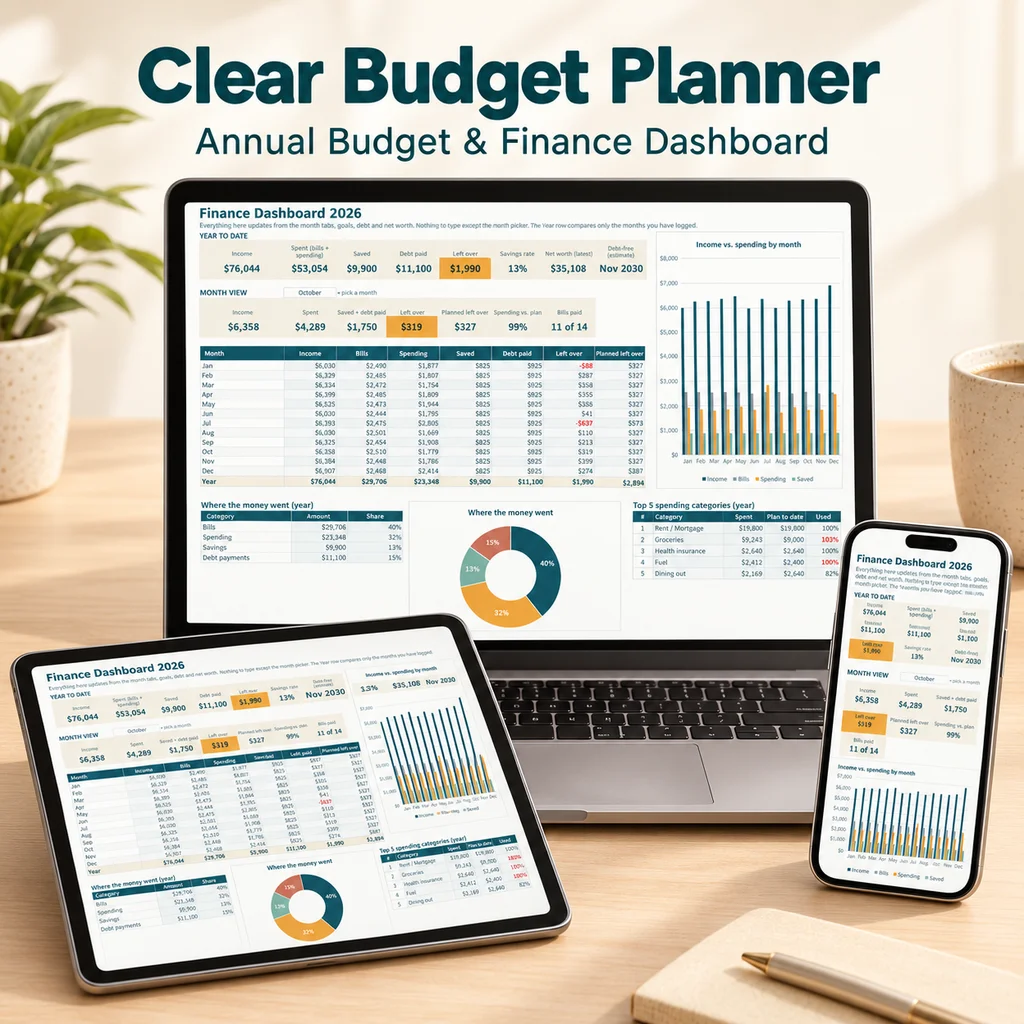
There is no single best budget spreadsheet; there is the best type for what you want to do and how much time you will give it. A one-sheet template suits a simple monthly check, while a yearly workbook suits someone who wants to see savings, debt and net worth in one place. Below are five types, with what each is good for, where each falls short and how to choose.
How we compare them
We use six checks, all of which you can apply to any template yourself:
- Planned versus actual: does it compare what you meant to spend with what you did?
- History: are past months kept in the same file?
- Yearly view: can you see the whole year?
- Extras: bills, savings, debt and net worth.
- Setup time: how fast can you start?
- Maintenance: how easily can formulas break?
The five types
1. A simple one-sheet monthly template
Good for: a first month, or a short experiment. Falls short: one month only; you clear it and lose history. Setup: minutes. Pick it if: you only want to see this month's spending.
2. A build-it-yourself blank sheet
Good for: people who enjoy formulas and want complete control. Falls short: hours of work, and formulas can break when rows or categories change. Setup: an hour for a basic one, much more for a yearly version. See how to make a budget spreadsheet. Pick it if: the learning is part of the point.
3. A multi-tab monthly tracker
Good for: keeping twelve months in one file. Falls short: may lack debt, savings and net worth. Setup: short. Pick it if: you want history but not extras.
4. A full-year workbook
Good for: someone who wants plan, tracking, summaries, bills, savings, debt and net worth in one connected file. Falls short: more tabs to learn; takes a bit longer to set up. Setup: an evening, with an example to guide you. Pick it if: you want a long-term system and a yearly picture.
5. A printable set
Good for: people who prefer paper. Falls short: manual math, no history search. Setup: minutes. Pick it if: you like to write things down. See printable monthly budget pages.
Side by side
| Type | Plan vs actual | Yearly view | Extras | Setup | Break risk |
|---|---|---|---|---|---|
| One-sheet monthly | Yes | No | No | Minutes | Low |
| Build it yourself | You decide | You decide | You decide | Hours | Medium to high |
| Multi-tab monthly | Yes | Sometimes | Rarely | Short | Low |
| Full-year workbook | Yes | Yes | Often | An evening | Low if you use input cells only |
| Printable | Yes | Sometimes | Rarely | Minutes | None |
Questions to ask before you pick
- Do I want to see only this month or the whole year?
- Do I have debt I want to pay down on a schedule?
- Do I want to track savings goals and net worth too?
- Will I use it on a phone, a laptop or paper?
- Do I need to share it with a partner?
- Is there a filled-in example so I can judge the layout?
If you answer "the whole year, debt, savings and net worth", look at type 4. If you answer "this month, fast", type 1 is fine.
Google Sheets or Excel?
Check the format. An .xlsx file opens directly in Excel and can be imported into Google Sheets; native Sheets files can be exported to .xlsx. If you plan to use both, confirm that the template works in the program you will use most, and read how to open an Excel file in Google Sheets before you commit. For a Sheets-specific overview, see the Google Sheets budget template guide.
Red flags in any template
- No example or screenshots.
- No plan-versus-actual comparison.
- Formulas that are hidden or locked so you cannot see how they work.
- Dozens of categories you cannot remove.
- Claims about how much you will save. A spreadsheet organizes numbers; the results depend on what you do.
Where Clear Budget Planner fits
Clear Budget Planner is a type 4 workbook: 21 tabs for Excel and Google Sheets, with a Dashboard, Annual Plan, twelve monthly tabs for up to 150 transactions each, Year Summary, Bill Tracker, Savings Goals, Debt Payoff with Snowball and Avalanche methods, and Net Worth. It comes as a blank workbook and a filled-in example, plus a Getting Started guide, and it is a one-time purchase. Bonuses include printable monthly pages and a paycheck planner. To see how the example looks, visit the sample budget spreadsheet tour.
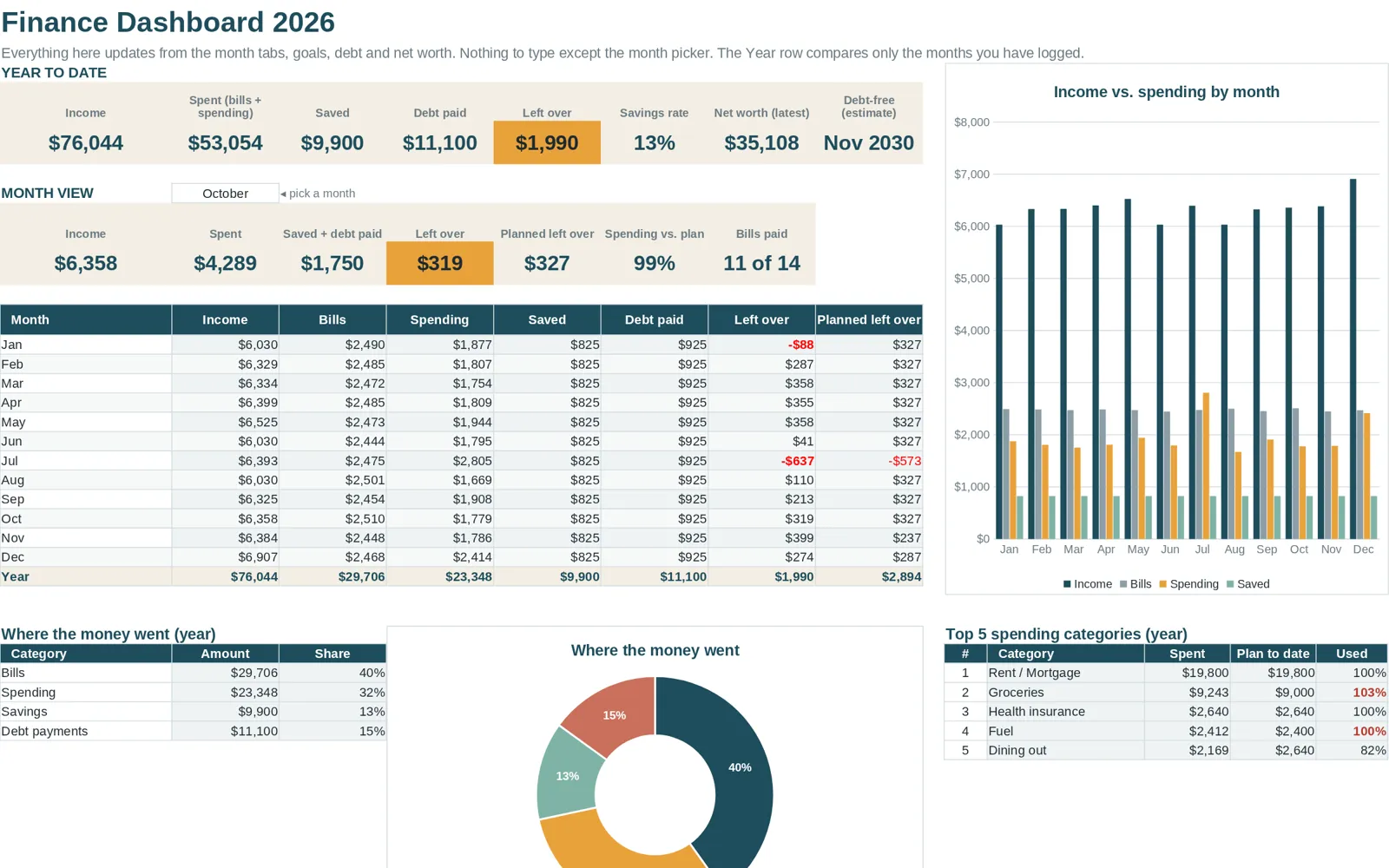
For more on how the pieces fit, the budget spreadsheet guide is a good next stop.